Get Started
It is very easy to send a message with AY Mail 2
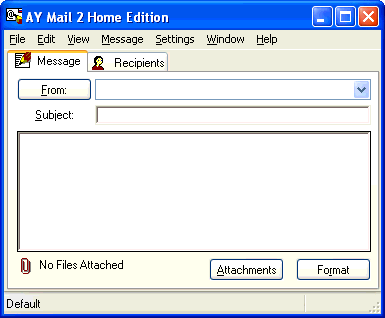
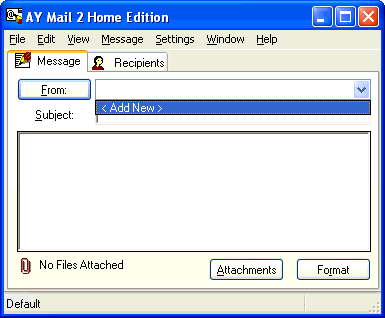
1. To enter sender's information, select
< Add New > on the Message tab:
The Sender Properties
dialog will appear. Enter your information.
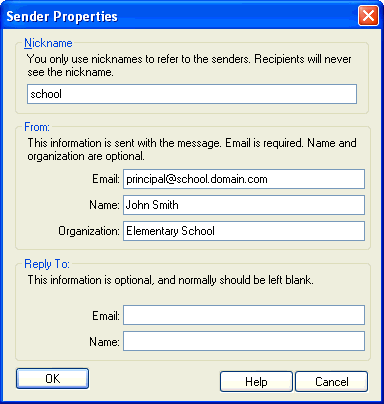
Click on the OK button.
2. Compose a message in the Message tab.
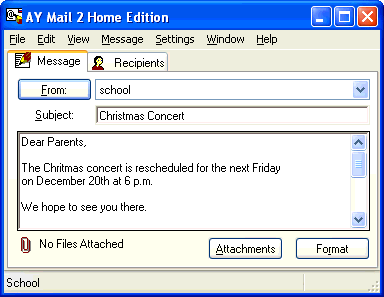
3. To create a list of recipients, click on Recipients
tab:
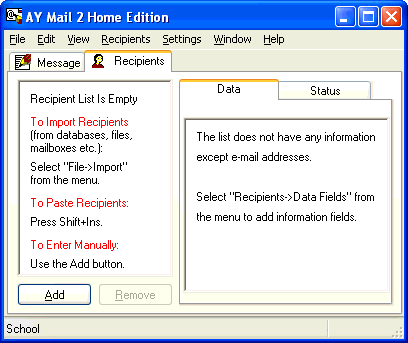
You can enter recipients manually one by one with the Add
button, copy and paste them, or you can easily import from your
mail folders,
Windows Address Book,
CSV/Text files, etc.
4.You are ready to send. Select File->Send
from the main menu. The Send dialog will appear.
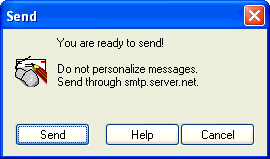
Click on the Send button.
|